Getting Started with Relay: A Setup Guide for Nigerian Fulfillment Centres
Relay
A new fulfillment centre in Nigeria is roughly two weeks of software setup and a thousand tiny habit changes. The software is the easy half. This guide is about the first three days — enough to get your first real order moving through Relay without improvising it.
Before you open the app, gather three things: the name and address of your fulfillment centre, the delivery areas you already serve (with a rough fee for each), and the phone numbers of your two or three most active merchants. You don't need everything upfront. Just enough to make the first few days real instead of theoretical.
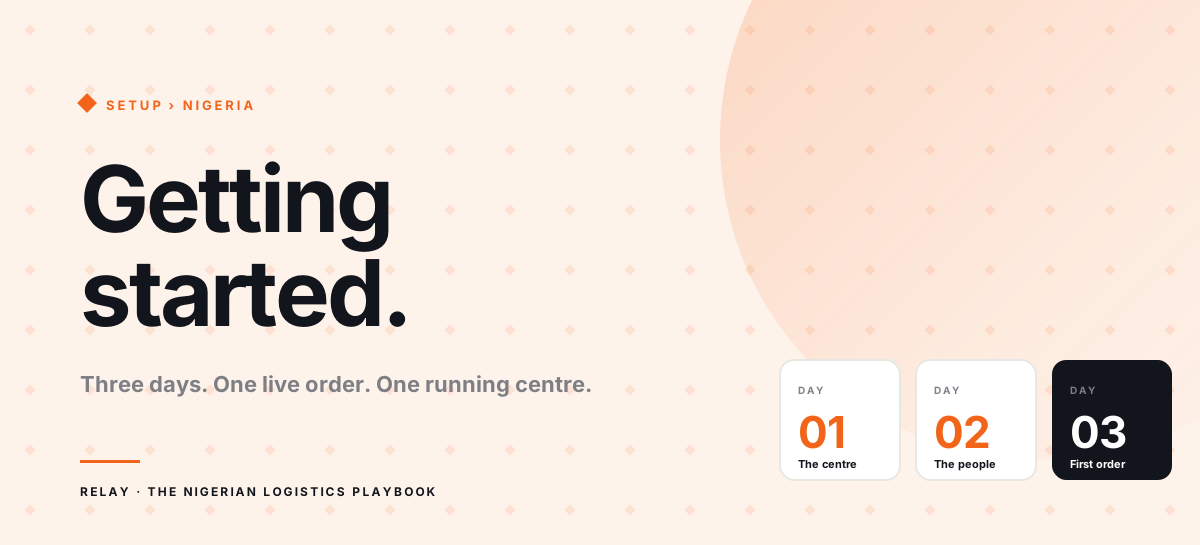
Day one: the centre itself
Install the Relay operator app. Create your account with the phone number your merchants already know you by — they'll recognise it later when you invite them. Name your fulfillment centre, pick the city and neighbourhood, and you're past the easy part.
Next, add your delivery areas. Resist the urge to cover everything on day one. Start with the five or six areas you already serve reliably. You can import the rest later — Relay accepts a CSV upload with area names and fees. Set a delivery fee for each; customers see this fee at checkout. You can bulk-adjust every area in a single sweep when fuel prices move, so don't agonise over individual amounts.
Day two: the people
Add your riders. You'll need their phone numbers. They get a setup link by SMS and finish registration themselves. Assign each rider a default area if they tend to work one part of town — you can override per order later.
Then invite your most active merchants. Paste or type the phone numbers of the two or three you handle the most volume for. They get a magic link, finish onboarding, upload their products (or import a CSV) or link their existing multi-warehouse inventory, and start placing orders — without you walking them through it. Hand-hold the first one if you want; the second and third will be independent.
Day three: the first live order
Ask one of your invited merchants to place a real order. Not a test one — a real delivery for a real customer. Watch the order land in your queue. Accept it. Assign a rider. The rider confirms pickup, delivers, attaches a proof-of-delivery photo, and the order closes itself.
That single live loop is the entire point of the first three days. Everything after is volume.
The first week: what to watch
Two signals tell you whether the switch is actually working. The first is the number of "where is my order?" messages still reaching you on WhatsApp. It should visibly drop inside a week. If it isn't, merchants aren't opening the app and need a nudge — sometimes just a screenshot of their own dashboard is enough.
The second is end-of-day cash reconciliation. Before Relay, you added it up manually every night. After Relay, the totals should be ready by the time the last rider checks in. If they aren't, someone is skipping the payment-on-delivery confirmation inside the app. It is almost always a rider habit, and one correction usually fixes it permanently.
Common early mistakes
Don't move every merchant in week one. Three is plenty — you learn faster with a smaller group, and you won't be debugging four things at once. Don't keep the old WhatsApp groups live in parallel for longer than a week; if the group is still there, people will use it. And don't skip the delivery fee setup — an order without a fee is an order without margin, and you won't notice until reconciliation.
Once these habits are in place, Relay stops being the thing you are thinking about and becomes the thing you run the centre on. That is the goal.
Happy shipping.